How to program garage door opener might seem like a daunting task, especially if you’re new to home automation or DIY projects. But with the right instructions and a little patience, programming your garage door opener can be done quickly and safely. As a Garage Door Quality expert, I’ve helped countless homeowners troubleshoot and program their garage door openers, and today I’ll walk you through everything you need to know—from basic setup to advanced troubleshooting.
Whether you’re dealing with a Chamberlain, LiftMaster, Genie, or Craftsman garage door opener, this guide will provide practical, step-by-step instructions, insider tips, and a real-life case study to make how to program garage door opener easy and stress-free.
Content
Understanding How to Program Garage Door Opener: Key Concepts You Should Know
Before diving into the programming steps, it’s important to understand how to program garage door opener in the context of your home system. Essentially, programming allows your remote or keypad to communicate with your garage door opener so it can safely open and close the door.
Most modern garage door openers use rolling-code technology, which changes the access code each time the remote is used. This prevents unauthorized access and keeps your home secure. Older models may use fixed codes, which are easier to program but less secure.Knowing your opener type is the first step to successfully programming your device. Check your garage door manual or the model label on your motor unit for this information.
Step-by-Step Guide to Program a Garage Door Remote
Here’s a general step-by-step guide on how to program garage door opener that works for most popular brands. Always refer to your manufacturer’s instructions for specific variations.
1. Locate the “Learn” Button
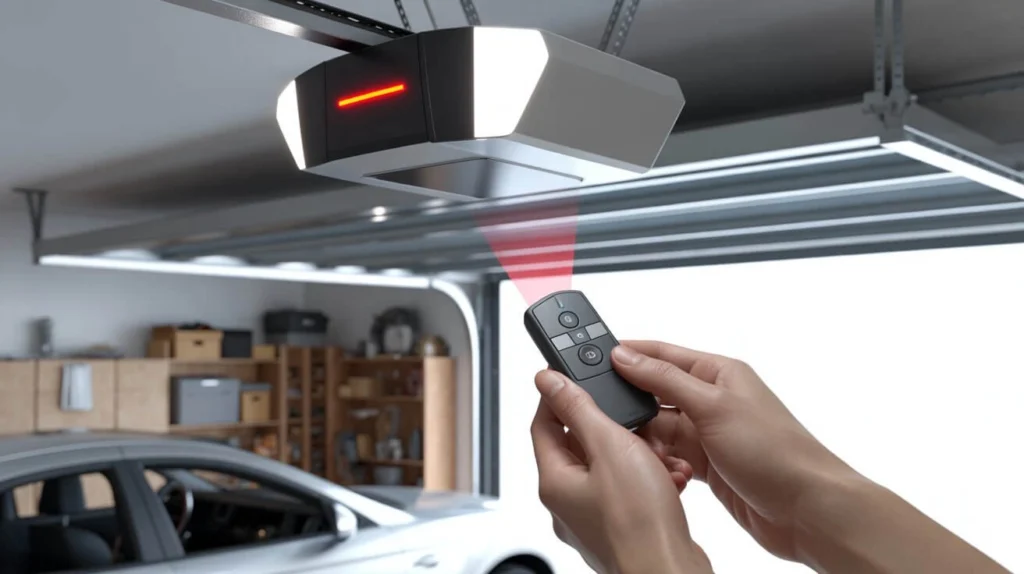
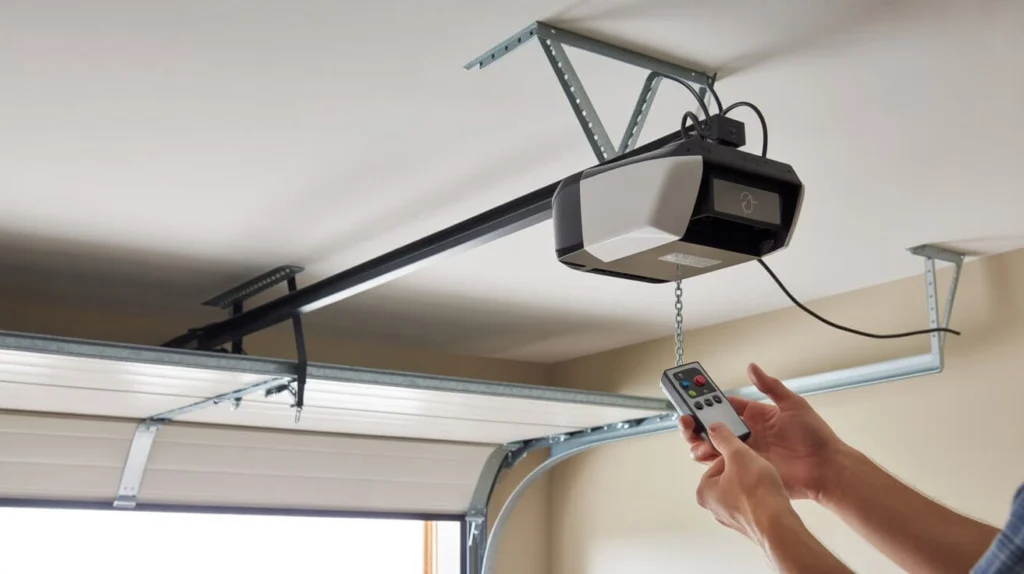
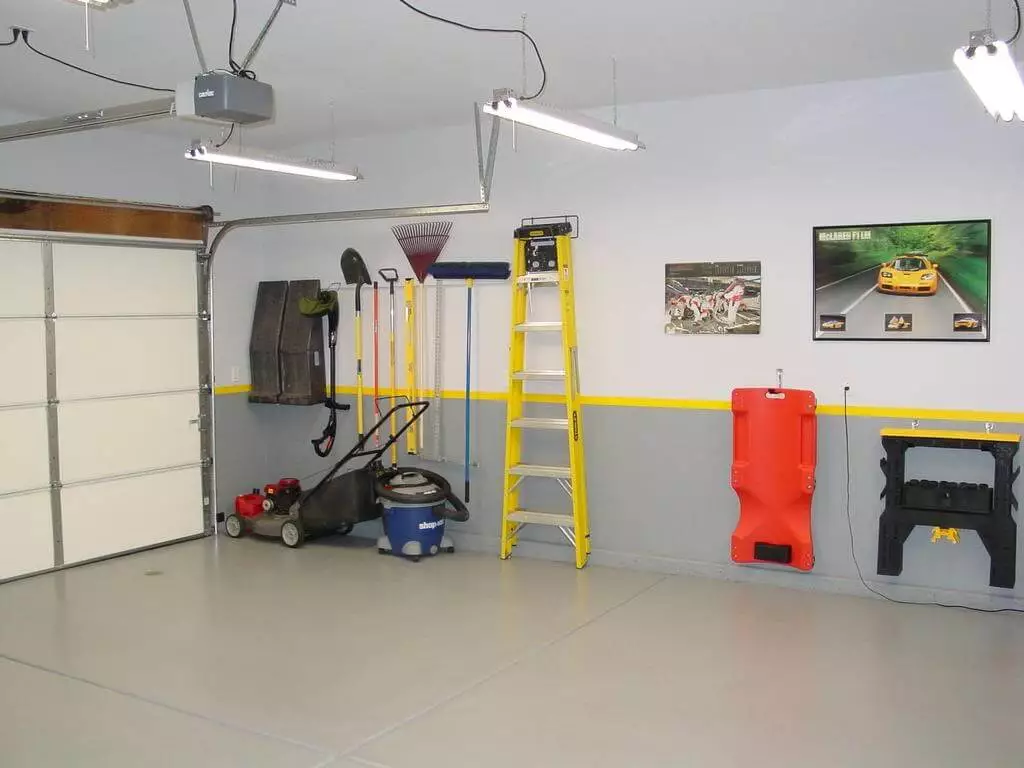
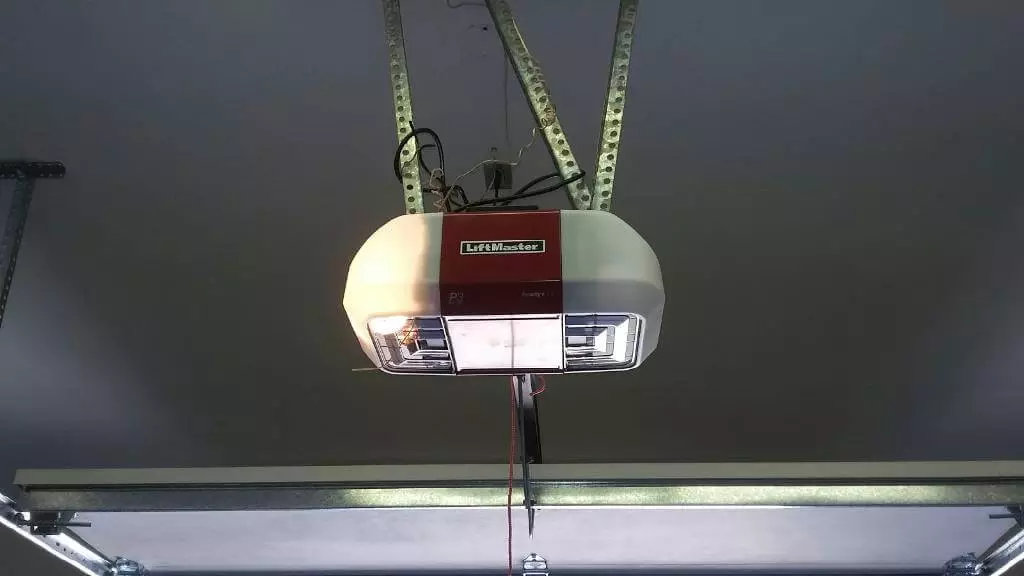
Most garage door openers have a learn button on the motor unit, often near the antenna. Pressing this button activates the programming mode. Some models may have a cover over the button, so you might need to remove it first.
2. Press and Release Your Remote
After pressing the learn button, press and hold the button on your remote. Typically, a light will blink on the motor unit or you’ll hear a click, indicating that the remote has been successfully programmed.
3. Test the Remote
Stand clear of the door and press the remote to test if the garage door opens and closes smoothly. If it doesn’t work immediately, repeat the process or check your remote battery.
4. Program Additional Remotes
Most openers allow multiple remotes to be programmed. Repeat steps 2–3 for any additional remotes or keypad units.
Brand-Specific Tips on How to Program Garage Door Opener
Different brands have slightly different procedures. Here’s a quick overview:
Chamberlain, LiftMaster, Craftsman: Press the learn button, then press the remote button within 30 seconds. Up to 3–5 remotes can be programmed.
Genie: Use the learn button or dip switch method depending on the model. Genie remotes may require holding the remote button for several seconds.
Ryobi: Some Ryobi models use a 12V DC remote with a unique sequence of button presses. Check your manual for exact instructions.
Universal Remotes: For universal remotes, you’ll need to match the frequency and code type to your garage door opener.
These brand-specific instructions ensure your programming is smooth, without guesswork.
Troubleshooting Programming Issues
Even experienced DIYers sometimes encounter issues. Here are the most common problems and solutions:
Remote Doesn’t Work After Programming: Check the battery, ensure the opener is in learn mode, or try resetting the opener.
Door Moves Slowly or Doesn’t Close Completely: Inspect the door’s tracks and rollers for debris or damage. Lubricate moving parts if needed.
Multiple Remotes Conflict: Erase all previous remotes from the system and reprogram them one by one.
Adding safety checks is also important when learning how to program garage door opener. Always test your garage door’s auto-reverse function after programming. Place an object in the door’s path—if the door reverses automatically, it’s working correctly.
Real-Life Case Study: Programming Success
A homeowner, Mrs. Ahmed from Lahore, recently purchased a LiftMaster garage door opener. She tried how to program garage door opener herself but couldn’t get the remote to sync. After contacting a garage door professional, she followed the step-by-step guide and learned a few insider tips:
The learn button was hidden under a plastic cover.
The remote needed to be held longer than the manual suggested.
Testing the auto-reverse function was critical for safety.
Within 15 minutes, she successfully programmed her garage door opener, added two additional remotes, and was able to control the door using a keypad. Mrs. Ahmed was thrilled because she avoided a service call and felt confident handling future maintenance herself.
Safety Tips & Best Practices
Always read your manual first. Each model may have unique steps.
Keep children and pets away while programming or testing the door.
Use high-quality batteries to prevent power-related issues.
Test the safety reverse system every time after programming.
Label remotes and keypads for easy identification, especially in homes with multiple units.
Conclusion
Programming a garage door opener doesn’t have to be stressful. By understanding your opener type, following a step-by-step process, and troubleshooting common issues, anyone can successfully learn how to program garage door opener for their remote and keypad.
Whether you’re a beginner or a DIY enthusiast, taking the time to master how to program garage door opener not only saves money but also ensures your home remains secure. This knowledge can even support future upgrades or Garage remodel ideas, since a properly programmed opener is essential for modern, smart garage designs. Following best practices and safety checks, like the real-life example of Mrs. Ahmed, makes the process simple and reliable. With these tips, your garage door can be fully functional and safe, giving you peace of mind and everyday convenience.
FAQs
How do I sync my garage door to my car?
Learn how to sync your garage door opener to your car for easy, hands-free access.
How do I program my garage door opener to my car without a remote?
Step-by-step tips to program your garage door opener to your car without using a remote.
What are common programming mistakes?
Avoid mistakes when learning how to program garage door opener, like skipping steps or wrong timing.
How do I program a garage door opener manually?
A quick guide on manual programming of garage door openers when remotes aren’t available.
How do I set up a new garage door opener?
Tips for safely setting up and programming a brand-new garage door opener from scratch.